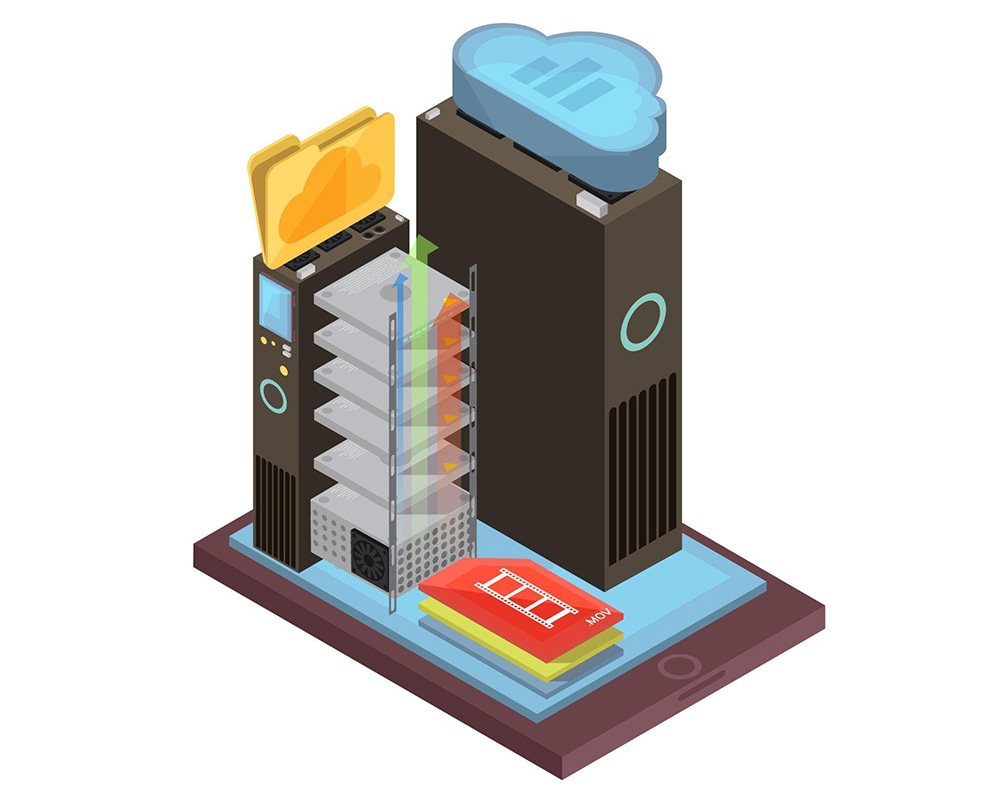
Simply put, a file server is a term associated with a data storage hub within a computer network. In today’s fully digital era, understanding various technical terms like “file server” is highly essential.
Through this article, you can explore the core aspects of a file server in depth, from its definition to its key functions. Check out the complete explanation below!
What Is Meant by a File Server?
In the computing world, a file server refers to a central server within a computer network that provides a file system, or at least a portion of a file system, to connected clients. Consequently, a file server offers its users a centralized location to store files on internal data media, which can be seamlessly accessed by all authorized clients.
{{blogcard id=”111”}}
Within a file server framework, the server administrator can establish strict rules regarding which users hold specific access privileges. For instance, configuring file permissions within the respective file system allows the admin to dictate which files can be viewed and opened by specific users or user groups, and whether the data can merely be viewed or also added to, edited, or deleted.
When a file server is connected to the internet and properly configured, users can access files not only through the local area network (LAN) but also benefit from secure remote access. This functionality allows files to be retrieved from and saved to the file server even when the user is far away from their workstation.
All modern operating systems, such as Windows, Linux, or macOS, can be deployed on a file server, provided that the active machines on the network are compatible with the host OS. However, a file server is not exclusively reserved for file storage and management; it is also frequently utilized as a central repository for application programs that must be accessed by multiple network participants, as well as a reliable backup server.
What Is the Function of a File Server for Your Company?
A file server delivers several highly practical functions that can be leveraged by an enterprise. Here are the primary functions of a file server for your company:
1. Centralized Storage
As previously mentioned, the primary function of a file server is to enable multiple users to access files stored in a single, centralized repository, while freeing up local storage space on individual machines. For this reason, file servers are exceptionally popular as central repositories for internal corporate files that are frequently accessed by multiple workforce members.
{{blogcard id=”218”}}
In many cases, enterprises also deploy file servers as download servers integrated into their corporate websites. This setup allows customers or website visitors to easily download specific digital content, such as software programs, hardware drivers, updates, images, or documentation videos.
2. Data Backup
The secondary function of a file server for your organization is data backup. Unlike day-to-day collaborative file management, this function specifically refers to creating and maintaining conventional data backups—such as system files, user files, or both—depending on the operational requirements of the business.
{{blogcard id=”183”}}
What are the Benefits of a File Server for Your Company?
One of the wisest financial decisions an enterprise can make is investing corporate funds into the IT department to procure a reliable file server. Here are several key benefits a file server brings to your company:
1. Secure Remote Access
When you have access to a dedicated file server, you can easily retrieve all corporate information from remote locations. Remote data access can be critical in numerous scenarios, such as extracting operating data from a distant branch office. Even if an employee is working off-site, you can still access their work data via the file server.
{{blogcard id=”139”}}
Accessing an employee’s data becomes far more time-consuming without a file server, especially if the required files are locked inside that specific employee’s local computer. Typically, you would have to wait for the employee to return to the office to hand over the files directly. Implementing a file server completely eliminates this operational friction.
2. Centralized Infrastructure Management
If all corporate data remains scattered across different computers, controlling file permissions for confidential documents becomes highly difficult, if not impossible. This challenge is easily resolved by utilizing a file server. With a file server, you can seamlessly manage all files from a single, centralized location.
A file server allows you to control access permissions across all stored files, drastically minimizing the likelihood of proprietary business information leaking into the hands of competitors. Therefore, a file server is vital to ensuring your business intelligence is stored under superior security conditions.
3. Elevated Security
Many companies still rely on decentralized storage across multiple local drives. In reality, this practice carries an exceptionally high risk. Imagine if a local computer storing critical corporate files experiences a hardware failure; those files could be corrupted or permanently lost, dealing a severe blow to the company.
{{blogcard id=”142”}}
By adopting a file server, you no longer have to worry about such incidents because your corporate files are anchored on a single, highly secure server. Furthermore, file servers are typically scheduled to generate automatic backups, saving you from panic during data loss emergencies, as the files can be instantly restored.
4. Instant Data Recovery
One incredibly valuable feature natively found in advanced file servers is Volume Shadow Copies. If you accidentally delete a critical file or make a mistake while editing a document that renders it unusable, this feature allows you to resolve the problem immediately.
{{blogcard id=”88”}}
The Volume Shadow Copy utility creates snapshots of all files stored within your network twice a day (or more, depending on your custom configurations). Consequently, you can seamlessly revert and restore your data to a “previous version” whenever an operational error occurs.
5. Reducing Client Machine Workloads
Fundamentally, all core business files and system backups can be offloaded to the file server. As a result, the resource workload on client machines is significantly reduced since local hard drives do not need to house these massive file blocks. Additionally, with proper storage management, users automatically gain a much cleaner overview of the company’s entire file inventory.
6. Centralized User Access Control
All user profiles and password credentials are managed centrally by your active file server. This centralized control greatly simplifies the process of provisioning new user accounts, as well as locking or revoking access privileges when an employee leaves the company.
7. Activity Monitoring
With the deployment of optional third-party auditing software on the file server, you can track user activities, including which network directories are accessed, which files are opened, and so forth. This functionality provides a higher layer of corporate security, ensuring that no internal users can interact with dangerous files or compromised data pathways.
Conclusion
In conclusion, a file server is an essential infrastructure investment that simplifies workflow processes while significantly fortifying a company’s digital security boundaries. If you are looking for a powerful file server solution, FileBox by Cloudmatika is an exceptional choice.
Utilizing Cloudmatika FileBox offers numerous operational advantages, spanning from massive storage capacities ranging from 1 TB to 3 TB, to superior data protection backed by built-in anti-ransomware solutions.
Contact Cloudmatika right now to integrate FileBox into your corporate infrastructure today!