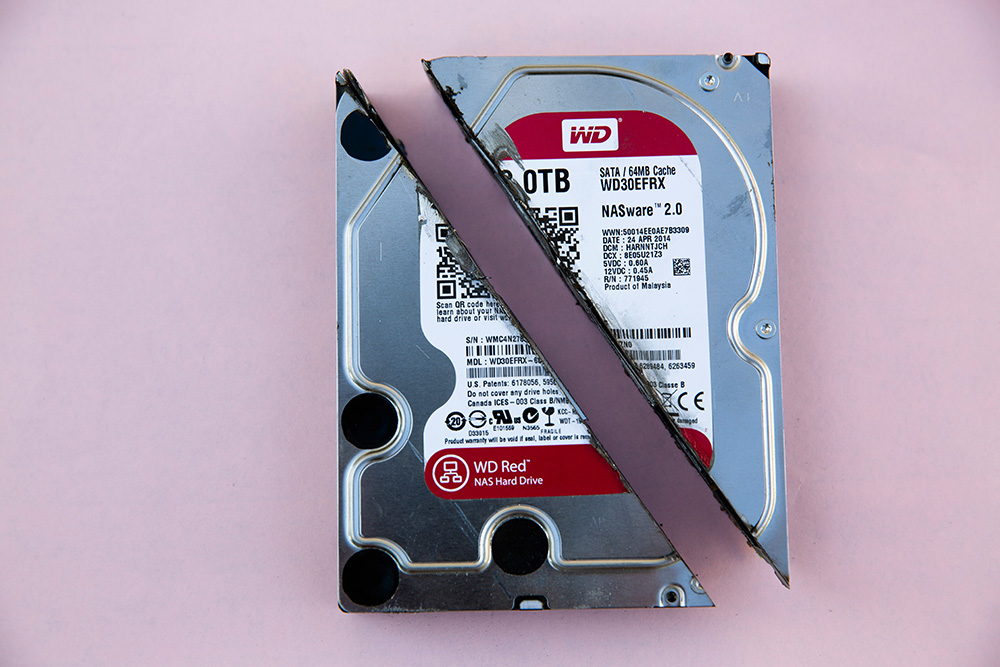
Viruses on computer networks are constantly evolving. What started as a virus that attacked a single computer has now evolved into malware capable of damaging the data stored on that computer.
Today, a new type of virus—similar to malware—has emerged to target the data on your computer. What would happen if the data you own were lost to a virus and could never be recovered?
This new virus is ransomware—a particularly vicious type of malware. If your laptop is infected with ransomware, your data will likely be lost forever. To recover it, the attacker or virus creator will typically demand a substantial ransom.
Ransomware is malicious malware that can corrupt data and seize files stored on a computer, with the goal of locking your data so that you are forced to pay a substantial ransom.
You can prevent this virus in several ways that you can do on your own, namely:
Before you get hit by a ransomware virus, you should back up your data first. If you don’t back up your data and a ransomware virus attacks your computer, the data you have will be lost. To back up your data, you can use a data backup service provider or an external hard drive you own.
- Update Your Operating System
Make sure the operating system you’re using is genuine and not pirated, and also ensure it’s updated to the latest version—using a pirated operating system makes your system highly vulnerable to attacks.
Enabling antivirus software is a must. By activating antivirus on your computer, you prevent viruses or attacks that aim to damage your system and data. Also, make sure the antivirus you use is from a trusted provider, and if possible, purchase a license to ensure its reliability.
However, you can also take a simple yet effective step by performing a data backup using a trusted and secure service. You can use Cloudmatika’s Cloud Backup service, which protects your data from ransomware attacks.
Cloudmatika’s Cloud Backup is a fast and reliable backup solution for files, applications, and entire systems. So you no longer need to worry about losing data to ransomware—with Cloudmatika’s Cloud Backup, your data will definitely be well-protected.
If you use Cloudmatika’s Cloud Backup service, you’ll have access to the following features:
Cloudmatika Cyber Backup uses a TIER III data center in Indonesia, located in Cikarang, West Java.
Cloudmatika Cloud Backup will store your data in Cloudmatika’s cloud at the location of your choice. You’ll receive full protection against data loss in less than 5 minutes.
If you use Cloudmatika’s Cloud Backup service, your data security is guaranteed because Cloudmatika’s data center facilities are ISO 27001 certified, which protects your data from malware and viruses.
You don’t need to spend a fortune to use Cloudmatika’s Cloud Backup service; for an affordable price, you’ll receive a Cloud Backup service that fully secures your data.
Interested in cloud backup Services at an Indonesian Data Center?
Contact Us for More Information & a Quote
Email : sales@cloudmatika.com
Website : cloudmatika.co.id
Phone : 021 28565201
Facebook : Cloudmatika
Instagram : Cloudmatika
LinkedIn : Cloudmatika