
Creating a Virtual Data Center (VDC)

Cloudmatika / March 24, 2026
Creating a Virtual Data Center (VDC)
Tutorial: Easily Create a Virtual Server

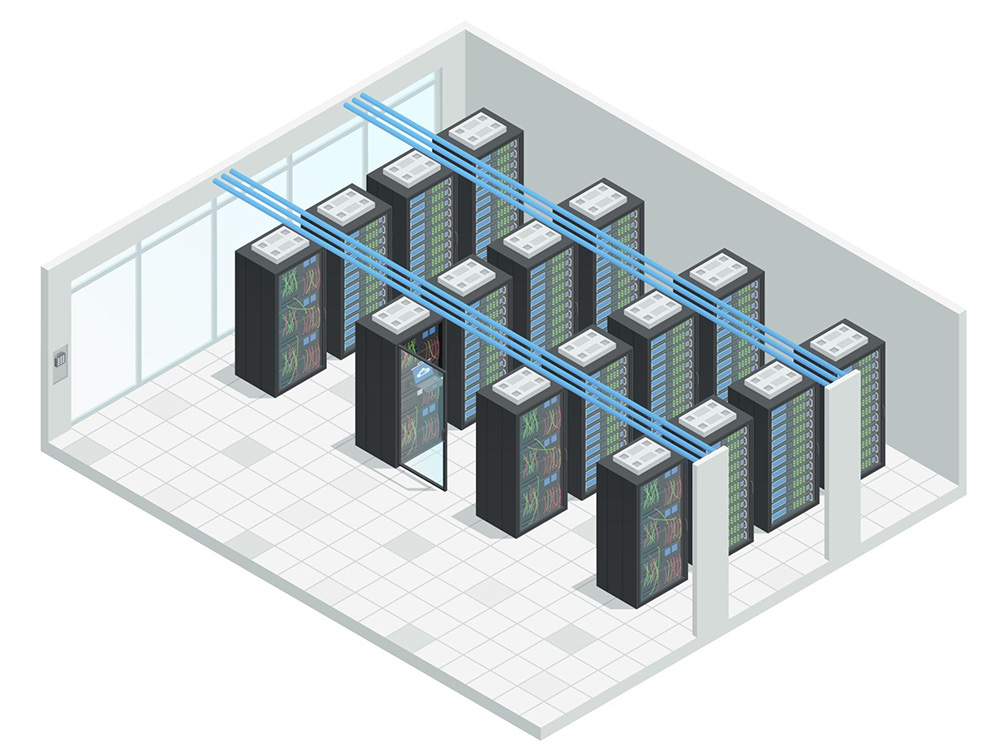
Virtual Data Center (VDC) is a cloud computing technology used to securely store and protect data. With Cloudmatika’s infrastructure, you’ll get a fully-featured Virtual Data Center without high monthly fees. You can have a single small virtual server or up to hundreds of virtual servers to support more complex infrastructure with different functions, operating systems, and virtual machine specifications.

Benefits of Using Cloudmatika’s Virtual Data Center:

  • No high monthly fees
  • Instant and flexible server configuration
  • Private and secure network
  • Autoscaling feature available
  • Load balancer functionality available
  • 24/7 support
  • High-performance infrastructure and speed

Here’s how to create a virtual data center in the Cloudmatika control panel. If you don’t have a Cloudmatika control panel account yet, you can visit the following link:https://cloudmatika.co.id/cloud-vps/

  1. First, log in to your Cloudmatika control panel
  2. Enter your username and password
  3. After logging in, go to the Store menu and click “Buy More Service”
  4. Select “Cloud Infrastructure” and click Next
  5. Under “Service Plan,” click Next
  6. Click Next on “Subscription Periods”
  7. You will then be prompted to enter your domain name; click Next
  8. Once completed, click “Place Order,” and you will receive an order invoice and payment instructions at your email address, as shown in the image below:
  9. Please make the payment to activate your Virtual Data Center
  10. After making the payment, you will receive an email notification that your Virtual Data Center is now active

Contact Us Here to Get Information About Virtual Data Centers

Email: sales@cloudmatika.com
Website: https://cloudmatika.co.id/cloud-vps/
Phone: 021 28565201

Whatsapp Chat Chat with us here
Scroll to Top


