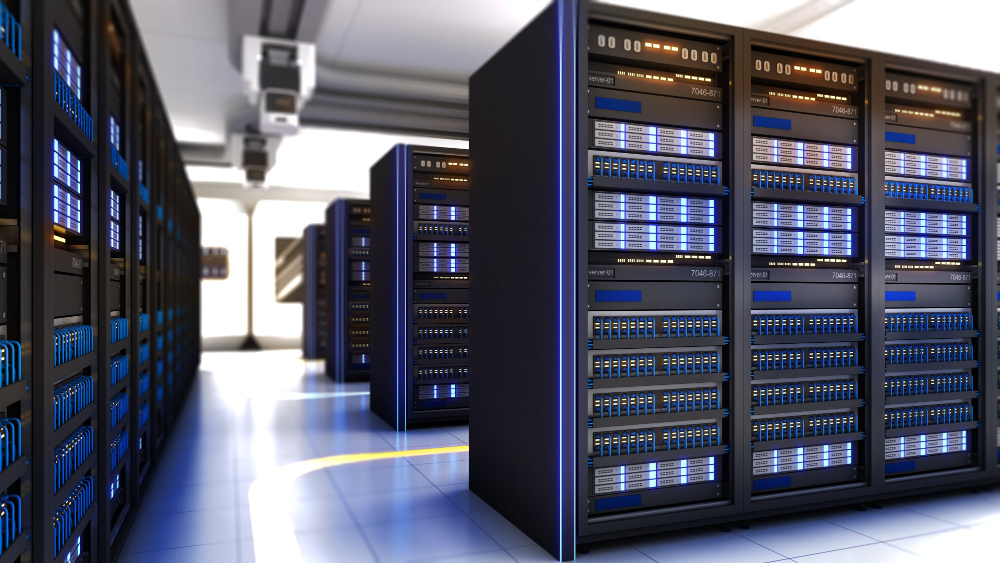
Containers are a type of cloud infrastructure provided in a Virtual Data Center. With the various advantages that containers offer over virtual machines, you can now save on expenses by using containers in a VDC. At Cloudmatika, we provide a control panel with comprehensive settings that make it easier for you to manage your Virtual Data Center.
Containers themselves consume very few resources when running any activities. This helps reduce the high costs associated with your server needs.
So, how can you save money when setting up a virtual server or Virtual Data Center? The answer is very simple. You can use the Containers available within Cloudmatika’s Cloud Infrastructure product.
Why can containers save you money for a virtual data center?
This is different from using Virtual Machines. With containers, the resources used are smaller compared to using VMs. Consequently, resource usage remains stable and has minimal impact on expenses.
- Pay as you go (Pay as you use)
Pay as you go is one of the key advantages of our platform, where our cloud users only pay for the resources they actually use.
Is “Pay as you use” enabled by default?
No, you must manually enable “Pay as you use” using the Autoscale feature on your Cloud Dashboard. Please note that when configuring the minimum threshold for autoscale, it must align with your application’s minimum requirements. This ensures your server continues to run and function properly.
We know that containers are lighter and faster than using VMs. This is because containers only run the libraries and applications themselves, not the entire system. If a server runs quickly and efficiently, it will streamline all activities running on your server. This will generate significant revenue and benefits.
If you want to create a container on the Cloudmatika Virtual Data Center, you can view the help article here.